This method is probably the simplest way for the user to access WiFi.
Guests can see a nice welcome page but gives the venue owner or service provider no opportunity for any granular marketing campaigns or offerings.
This method is typically used at locations where the venue owner pays for the access, e.g. an enterprise or conference location and want to grant free WiFi to the guests.
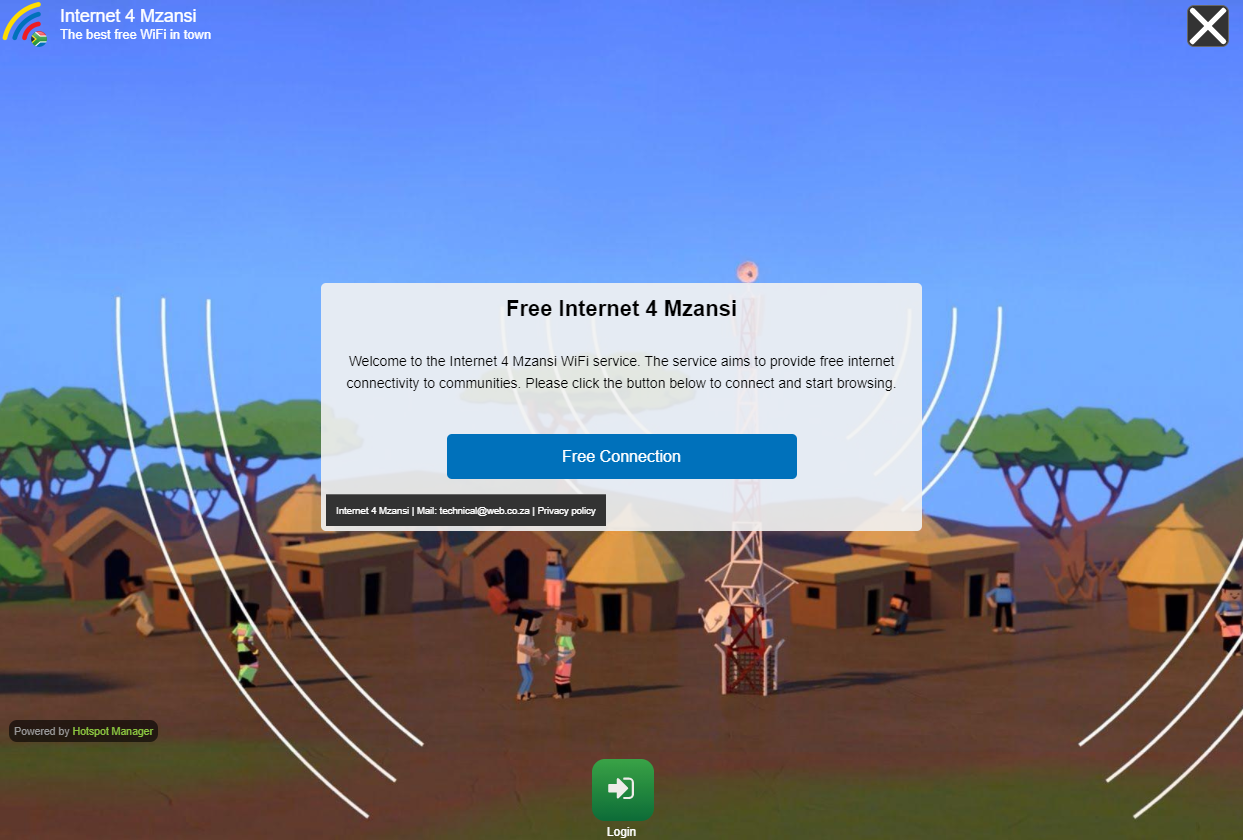
You can configure this login form by using the following steps.
Select your Domain.
In the dropdown menu, click Edit.
Expand the General Data menu.
In the Authentication Mode dropdown list, select Click & Connect. No registration, no password.
Click the Save button on the top right of the page.
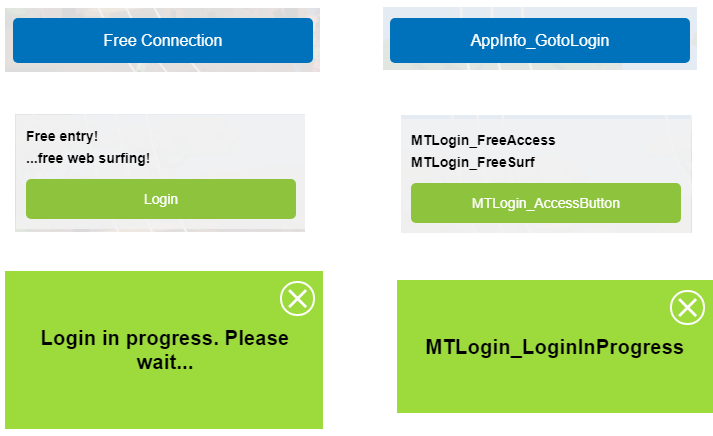
To change the labels for the fields and for the Login button, simply scroll down to Translations from the System or Domain or Gateway dropdown menu . It depends if you need to change the fields for all domains and gateways or only for specific ones.
From the menu on the right, select the language you need to apply changes.
To start searching for text, open the Find bar using the Ctrl+F keyboard shortcut. Choose the field you want to rename and edit it.
Once completed, click the Save button on the top right corner to save the entry.
Some relevant codes for the field labels